From your first
ghost account
to your AI access report.
AutoCISO finds the access risks API tools can't see. One platform. From day one to audit day.
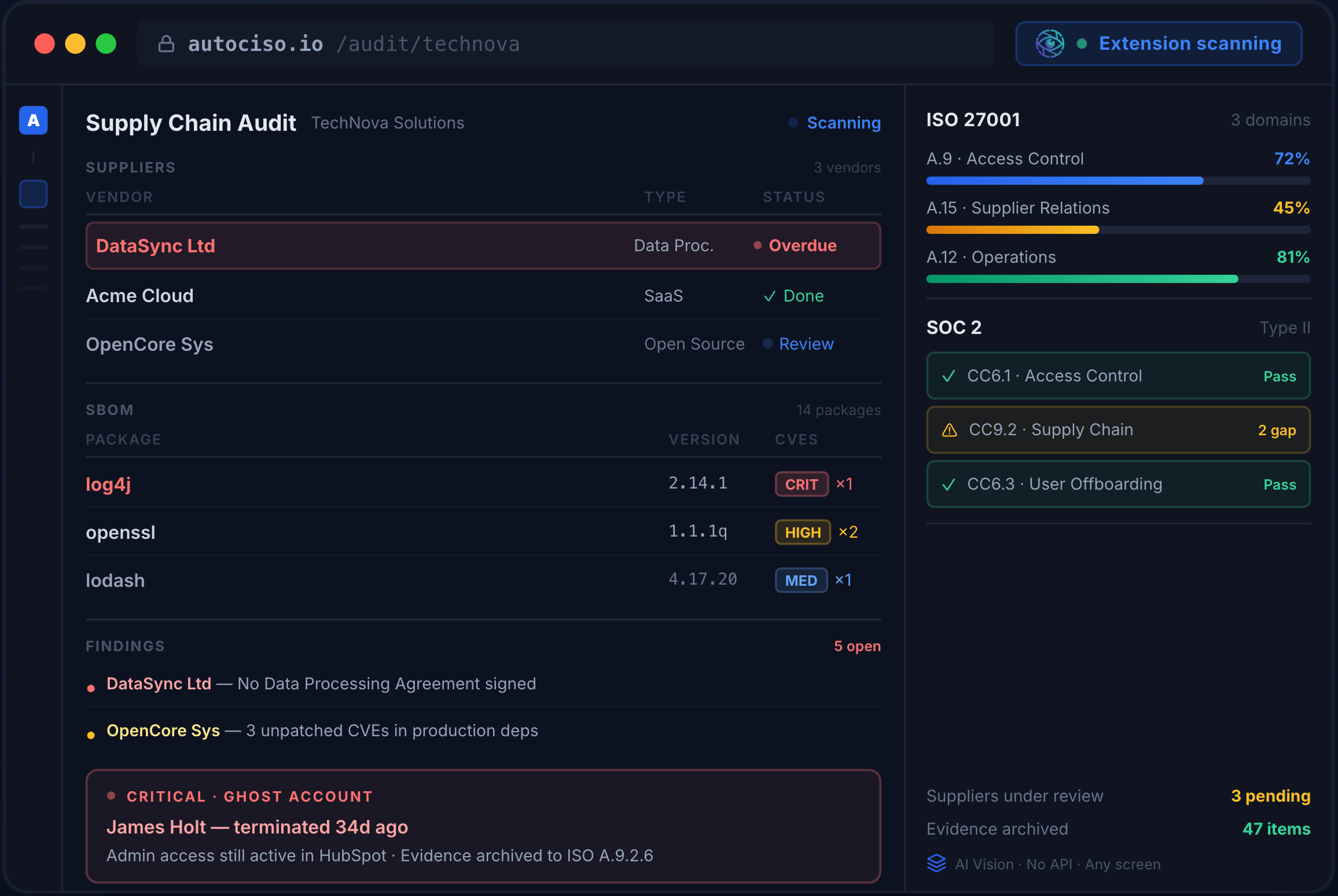

Here is one way that happens.
Someone you let go may still be signed in.
AutoCISO finds accounts that outlived their owners, including in apps outside your SSO, and keeps the evidence your auditor asks for.
Illustrative example, synthetic data
J. Doe
Head of sales, left three weeks ago
Through SSO
-
Email
Closed
-
Chat
Closed
-
File storage
Closed
-
Code hosting
Closed
-
Project tracker
Closed
-
Calendar
Closed
CRM
Signed in this week
Local admin account, outside SSO
Task sent to the app owner
Timeline
- Case opened when HR closed the ticket
- SSO account turned off, six apps closed with it
- CRM sign-in found after the leave date
- Task assigned to the CRM owner, kept as evidence
Illustrative scenario
Three weeks after offboarding, someone still signs in to the CRM.
Your head of sales left. HR closed the ticket. IT turned off email and SSO. But the CRM still had a local admin account from before SSO, and nobody had it on a list.
- Customer data is one export away.
- The seat is still billed.
- When the auditor asks for offboarding evidence, you have a spreadsheet and a guess.
SSO controls sign-in. A policy says access is reviewed. Neither shows who has an account in each app today.
What SSO controls
Sign-in to the apps connected to it. Accounts created inside an app, local admins and apps that never joined SSO sit outside it.
What a policy says
That access is reviewed on a schedule. It does not show who has an account in each app right now.
Already have SSO?
Keep it. Whether you run Okta, Microsoft Entra or another provider, AutoCISO looks at each app's own user list and records what sits outside SSO for your auditor.
Closing that gap is a path, not a task. AutoCISO walks it with you.
From the first audit to the auditor's questions, in one workspace.
-
Day 1 First audit
Find accounts that match no one, people who have left, and admin rights that look wrong.
-
Fix and offboard
Each finding becomes a task for the app owner. Each departure stays open until each app on the list is closed.
-
Review on a schedule
Each app gets an owner. Owners confirm or remove access in periodic reviews.
-
Answer the auditor
Findings, decisions and timelines are kept as evidence, mapped to SOC 2 and ISO 27001 controls.
How it works: collect, match, act.
-
Collect
Upload a screenshot of an app's user list, or connect an API, SCIM or CSV source. A screenshot works for apps that have no connector.
-
Match
AI reads each user, role and status and matches them against your employee list from your HR system or a CSV. Low-confidence matches go to a person to confirm.
-
Act
Accounts that match no one, people who have left, and admin rights that look wrong become tasks for the app owner. Each step is recorded for your auditor.
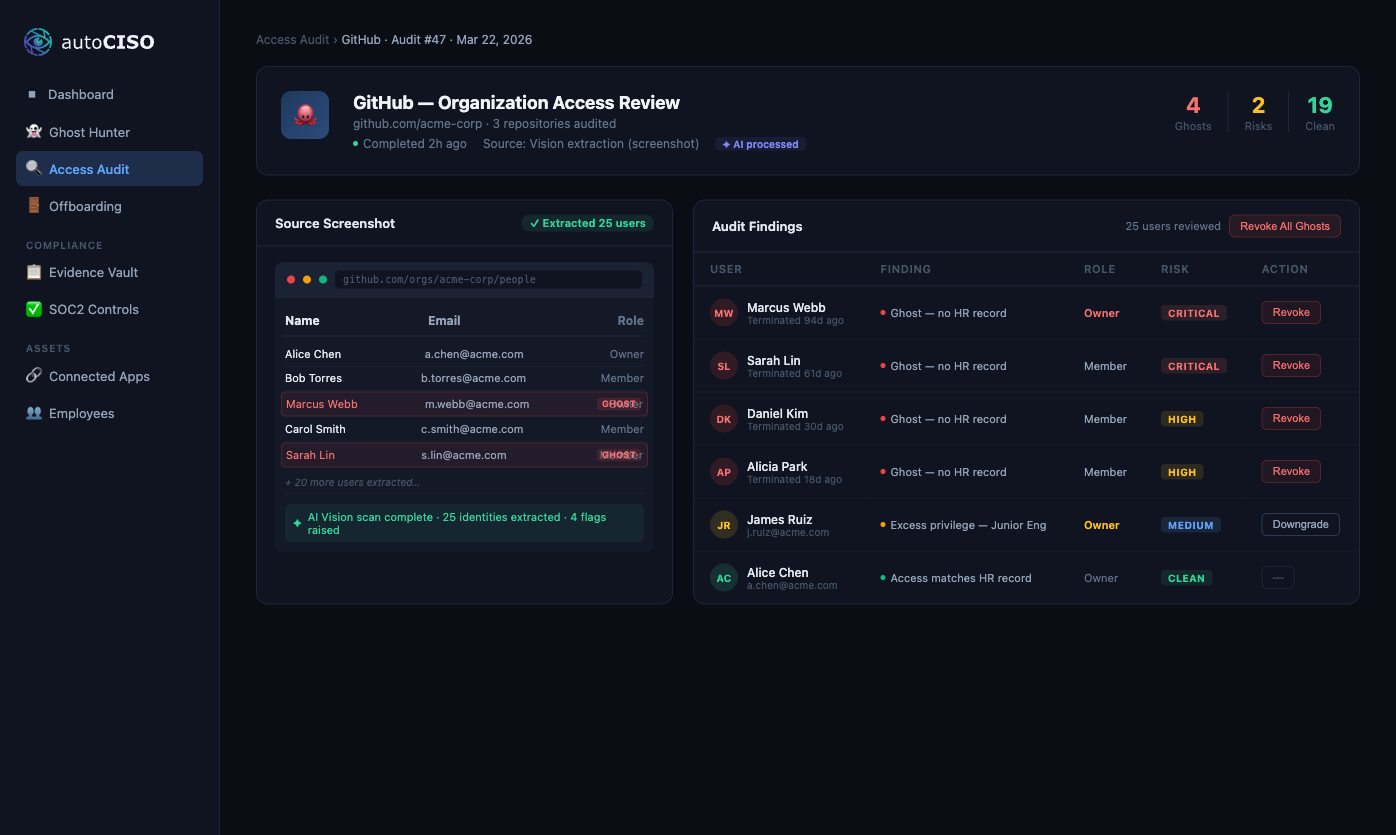
You don't have to take this on faith. Click around a company that runs on it.
Live demo, no signup
Sign into TechNova, our live demo company.
TechNova Solutions is a fictional SaaS company partway through ISO 27001. It has a ghost admin account on its production database, people who left with access still open, and access reviews in progress. The data resets every night at 00:00 UTC.
Demo data
-
Ghost account
on a critical asset
-
Offboarding
people who left with access still open
-
Access reviews
owners deciding
-
ISO 27001
a project with an external auditor
Start with one app.
Run a free access audit. No credit card.