Capture audits and accesses from any admin page.
The AutoCISO Chrome extension turns browser-side evidence collection into a fast operator workflow. Open a users page, choose the data type, capture the screen, and push the audit into AutoCISO.
Capture types
Assets, Employees, Accesses
Best for
Access reviews and audit evidence
Works on
SaaS, legacy, internal admin tools
One extension, three collection modes.
The extension is built for the three jobs teams actually do during reviews: inventory what exists, confirm who is there, and prove who has access.
Assets
Capture admin inventory views, device listings, roles, and app assets from tools that do not expose a usable API.
Employees
Pull user directories, member lists, and account rosters straight from the screen for reverse audits and joiner-mover-leaver work.
Accesses
Collect permission views, group members, profiles, and role assignments for access reviews and auditor-ready evidence.
From browser tab to AutoCISO audit queue.
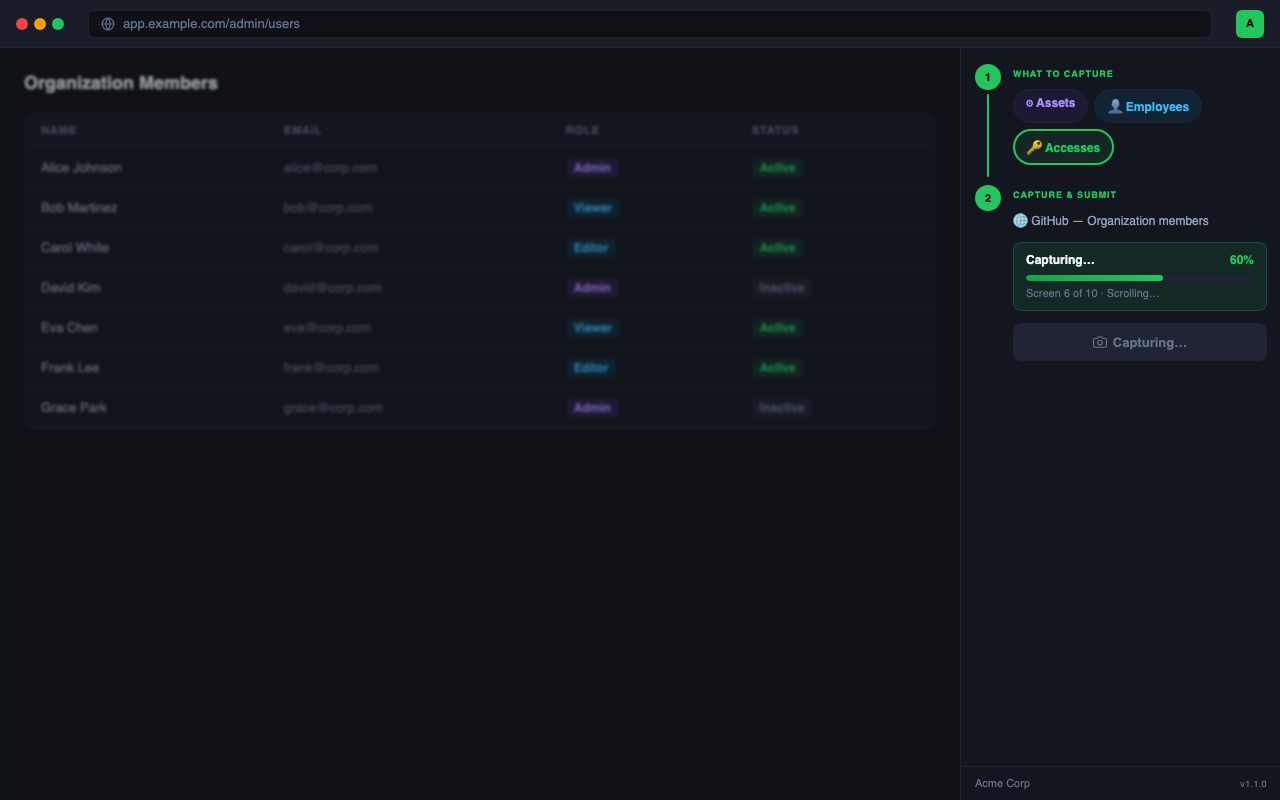
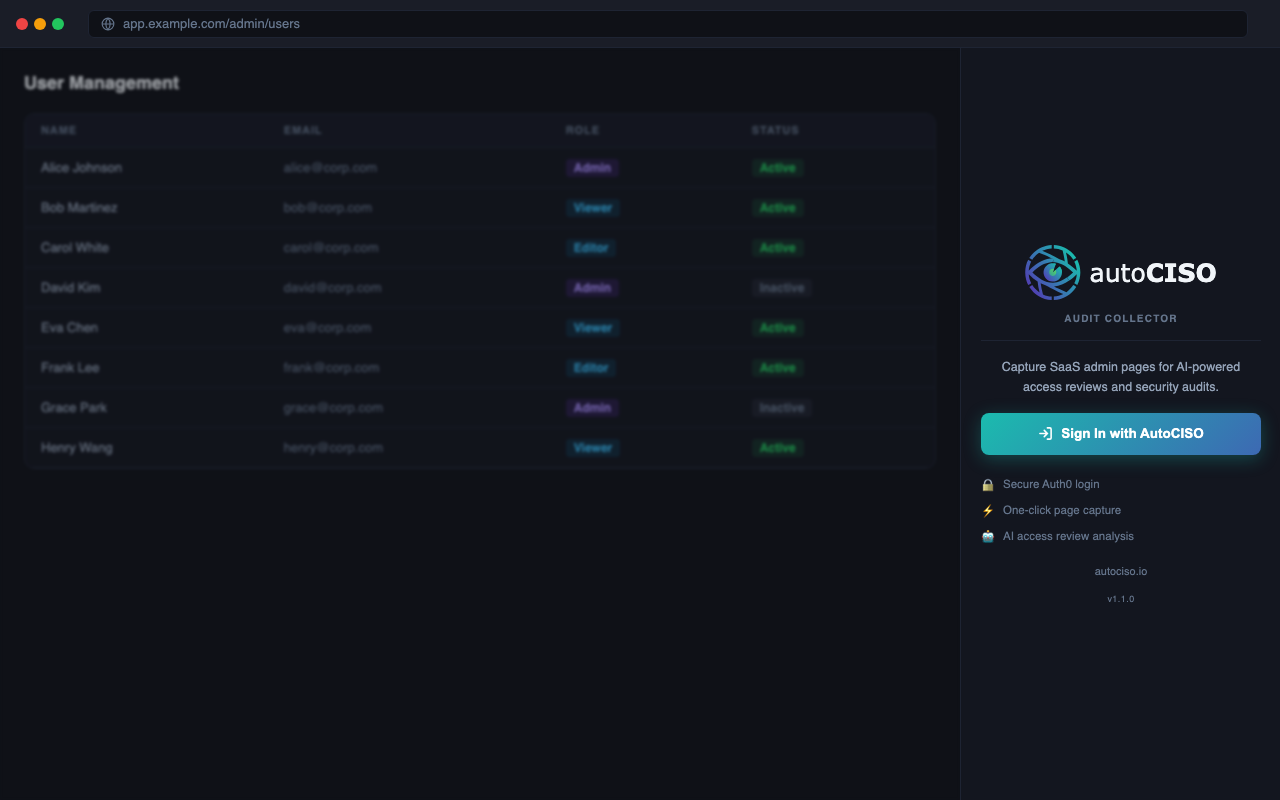
The screenshots below reflect the real extension flow: authenticate, choose the collection mode, capture the target page, then submit and review recent audits.
Sign in once
The side panel uses your AutoCISO session, shows the active organization, and keeps the flow inside Chrome.
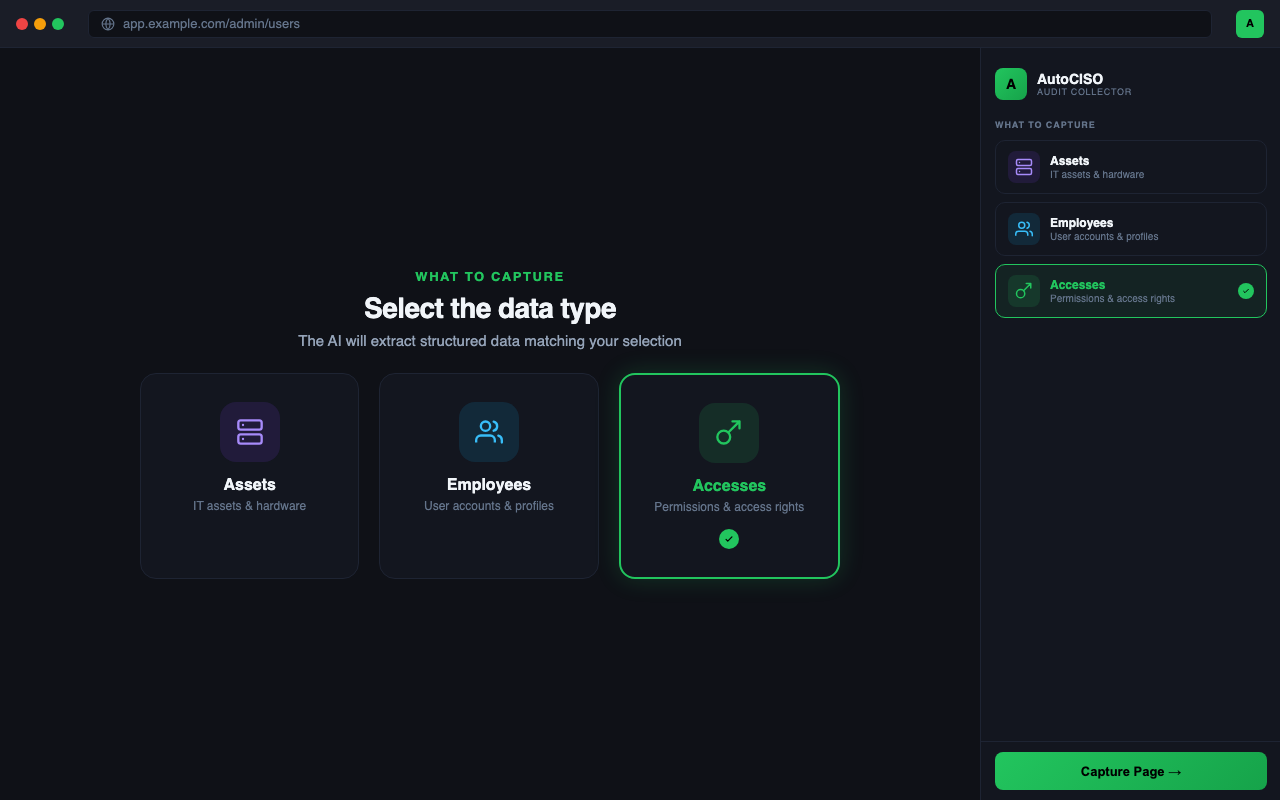
Choose what you are collecting
Select assets, employees, or accesses so the capture pipeline extracts the right structure from the page.
Capture long admin pages
The extension scrolls, stitches, and packages the page while preserving a clean operator workflow in the side panel.
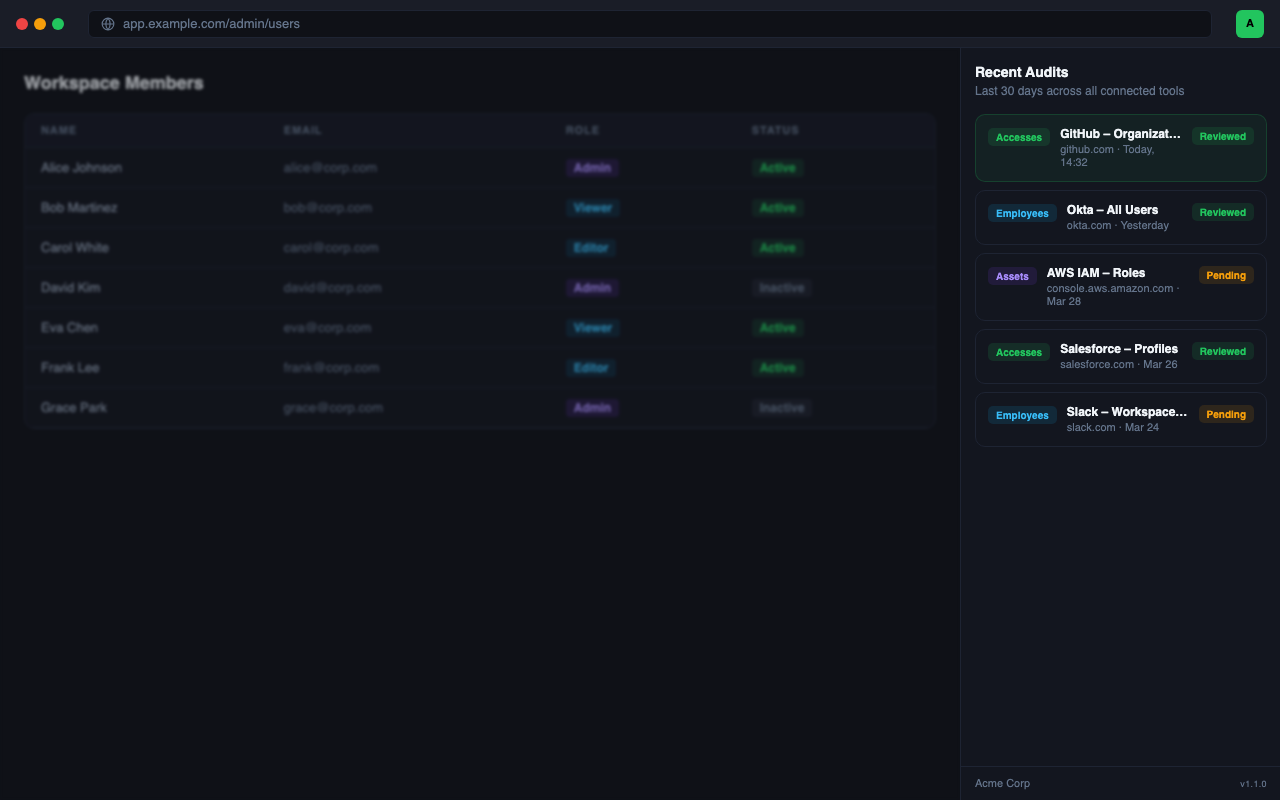
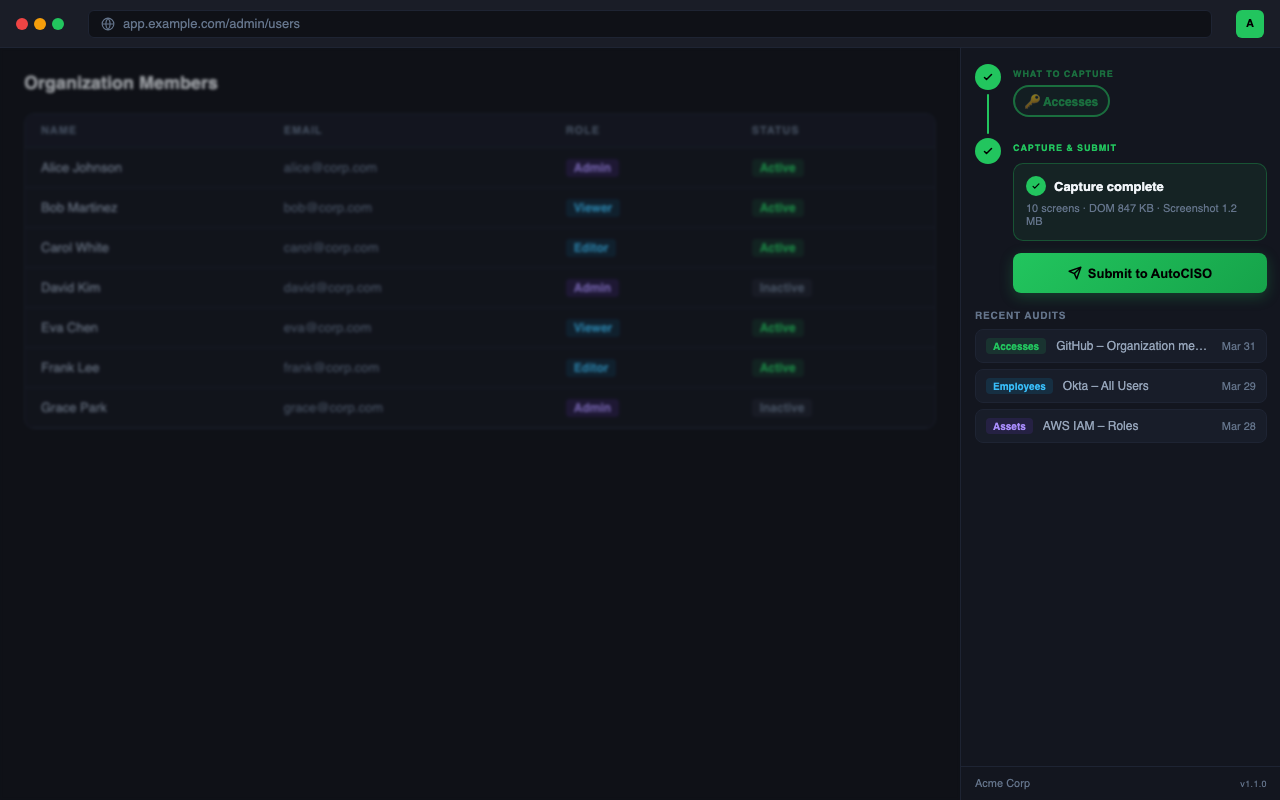
Submit and review audits
Push the result into AutoCISO and keep a running list of recent audits across connected tools.
It closes the last-mile gap in access reviews.
Traditional audit tooling breaks the moment the system lacks a clean API or formal connector. The extension gives operators a direct path to collect what they see in the browser and turn it into structured evidence.
Built for non-API systems
GitHub org members, AWS IAM roles, Okta users, internal admin tools, and niche SaaS panels are all fair game if your team can open them in Chrome.
Structured capture, not raw screenshots only
The extension pairs a sanitized DOM snapshot with stitched screenshots so AutoCISO can extract names, roles, emails, and statuses more reliably.
Fast operator loop
Recent audits stay visible in the panel, so security and ops teams can sweep through systems without context-switching back and forth.
Designed for access reviews
Collect evidence directly from the system of record, then feed it into AutoCISO for ghost account detection, license waste, and review workflows.
Release the collector, then sweep every stubborn system.
This extension is aimed at the systems your review still handles manually today: SaaS admin consoles, legacy back offices, internal tools, and partner portals. When the release lands, teams will be able to capture once and feed the result straight into AutoCISO.
Need access evidence from tools without APIs?
Use AutoCISO now, then add the Chrome collector as soon as the release lands.