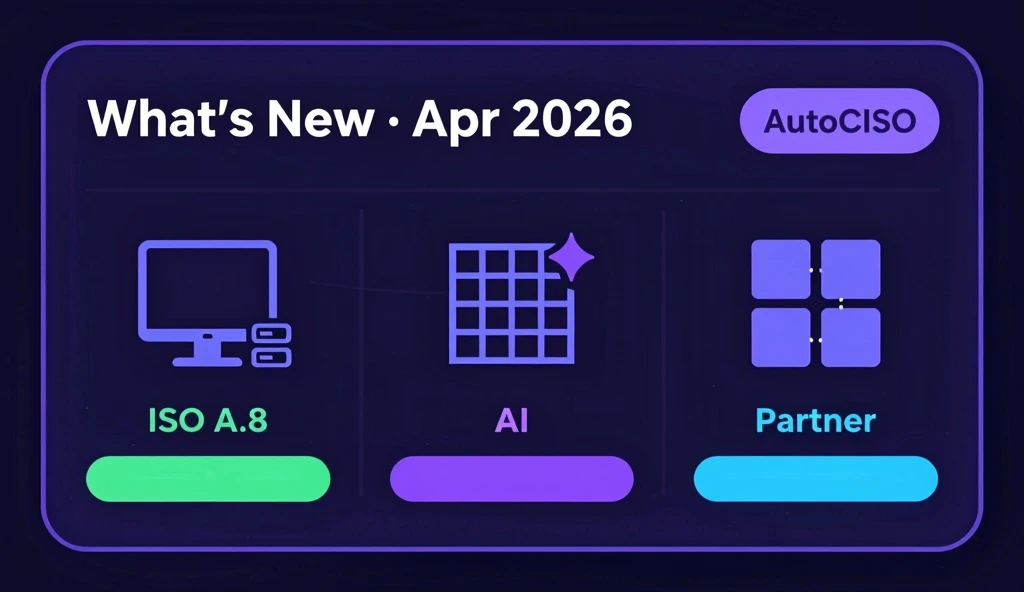
This is the first edition of our monthly product update. The goal: tell you what shipped, why it matters, and what is coming next — without the press release language.
Hardware Asset Inventory
The feature we heard asked for most in the past two quarters is now in every account: a dedicated hardware asset inventory for your INFRASTRUCTURE assets.
Every hardware device you track in AutoCISO can now carry a full record — serial number, physical location, operating system, last-seen date, and an assigned employee who is linked to your live HR roster. When that employee offboards, their hardware surfaces automatically in the offboarding checklist alongside their SaaS access.
This satisfies ISO 27001 Annex A.8.1 and A.8.2 directly. If you are working toward ISO 27001 certification or preparing for a SOC2 CC6.1 review, your asset register is now one place, not a spreadsheet.
CSV Import with AI Column Mapping
If you already have a hardware inventory in a spreadsheet, you do not have to re-enter it manually. Upload a CSV and the AI reads your column headers and sample data to map them to the right fields — “Device Name” to Name, “SN” to Serial Number, “Room” to Physical Location — automatically.
Columns the AI is not confident about (below a 0.7 confidence threshold) are surfaced for manual confirmation. Columns it is confident about are applied without prompting. For most well-labelled spreadsheets, the entire mapping requires no human input at all.
Large imports run as background jobs. You get a notification when the import completes, and if any rows were skipped — because they were missing a required name, for example — you can download a CSV report of exactly which rows and why.
Filter by Location and OS
Once your hardware is in the register, the INFRASTRUCTURE tab now has two additional filters: Physical Location and Operating System. This lets you answer operational questions quickly — “how many devices are in the London office?”, “which assets are still running Ubuntu 20.04?” — without needing to export and filter a spreadsheet.
vCISO Workspace
The vCISO workspace that shipped at the end of March has seen significant adoption from fractional CISO teams. A few things we learned from early usage and have already improved:
Cross-org risk board now supports sorting by client. The initial release sorted by risk score only. Partners asked for alphabetical sorting by client name for the cases where they want to review all findings for a specific client without jumping between workspaces. Added.
Action queue bulk assignment. You can now select multiple open actions across clients and assign them in one operation. Particularly useful at the start of an engagement when populating the initial action backlog.
If you are running a fractional CISO practice and have not explored the vCISO workspace yet, it is available on the Partner plan. Reach out if you want a walkthrough — we have been doing thirty-minute setup calls for new partners.
Under the Hood
A few things that shipped without their own announcement:
- Audit trail for asset changes. Every create, update, and delete on an asset record now writes an immutable audit event. The event captures who made the change, what changed, and when. Available via the API and visible in the evidence vault.
- Sparse indexes on hardware fields. Query performance for large INFRASTRUCTURE asset registries is significantly faster with the new indexes on
physicalLocation,operatingSystem, andassignedEmployeeId. - SOC2 CC6.1 evidence export. The SOC2 evidence export now includes hardware asset data where relevant — serial number, location, and assigned owner — for physical access control evidence.
What Is Coming Next
We are in active development on two features that should reach beta in May:
Continuous monitoring for hardware assets. Rather than waiting for a CSV upload, we are building integrations with common MDM platforms (Jamf, Kandji, Intune) to pull device records automatically and keep last-seen timestamps current without any manual action.
Control testing. A workflow for CISO teams to schedule and execute evidence collection against specific ISO 27001 or SOC2 controls on a recurring cadence. The test runs, collects evidence, flags gaps, and writes the result to the evidence vault — so your next audit starts with evidence already collected rather than starting from zero.
We will write more about both of these when they are closer to release.
If you have feedback on anything in this update — or a feature you want to see in the next one — the best place is the feedback link in your dashboard sidebar. We read everything.
The next update will land in May.