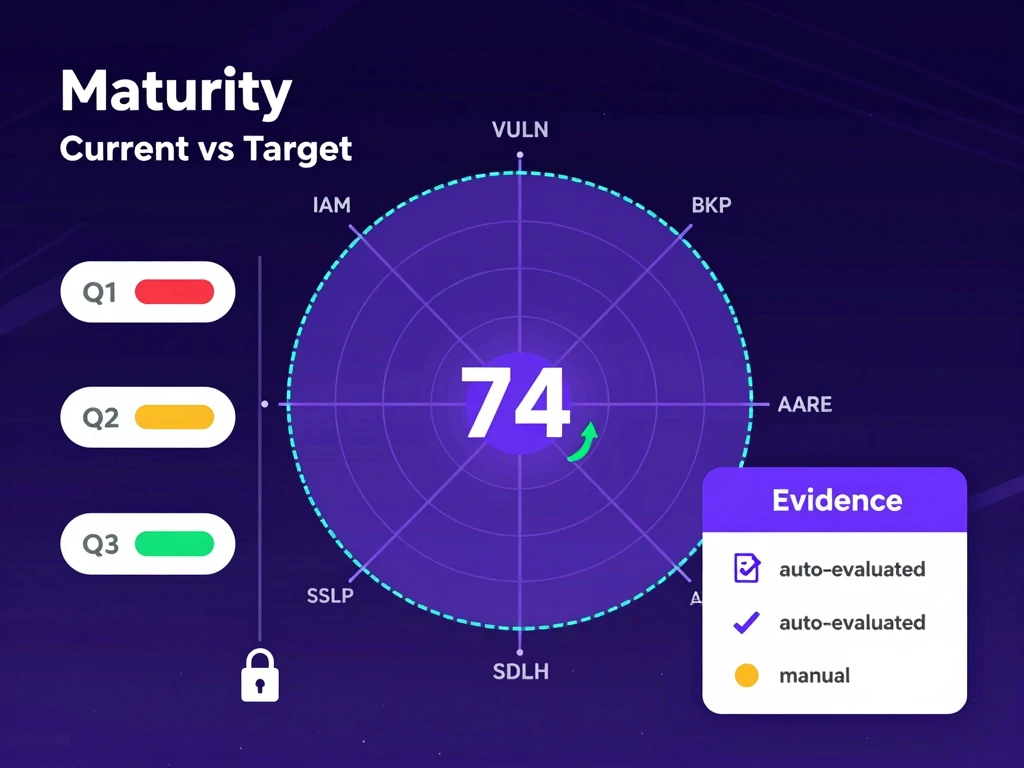
Most security tools help you answer one narrow question: are you compliant right now?
That matters. But it is not the same as answering the question founders, boards, and customers ask next:
Are we getting better?
That is the gap the new Security Maturity Dashboard is designed to close.
AutoCISO now gives teams a repeatable way to score the maturity of their security program, compare current posture to target posture, and track improvement over time without rewriting the past. Each assessment creates an immutable snapshot, so the conversation shifts from opinion and memory to evidence and trend.
Compliance tells you if a control exists. Maturity tells you how well the program operates.
A startup can technically “have” an incident response process, a backup policy, and an access review ritual while still operating them inconsistently. That is where teams usually get stuck: the checklist says one thing, the lived reality says another, and leadership has no simple way to see the difference.
The Security Maturity Dashboard is built to make that gap visible.
Every assessment scores the program across configurable domains such as:
- Identity and access management
- Vulnerability management
- Backup and recovery
- Incident response
- SSDLC
- Architecture review
- Security awareness
The result is a structured view of where the program is strong, where the target state is still far away, and which domains are creating the biggest drag on overall readiness.
What the new dashboard does
The release includes four core workflows.
1. Snapshot-based assessments
Each completed assessment becomes a timestamped snapshot. Old results are never overwritten. That means you can compare April against July without arguing over whether someone “updated the answers later.”
For security leaders, this matters because progress reporting breaks the moment historical data is mutable. A maturity score only becomes useful when it can support a before-and-after narrative.
2. Radar chart: current vs. target
The dashboard visualizes each domain on a radar chart with current score and target score side by side. Instead of staring at a long control spreadsheet, you can see the shape of the program immediately.
This is especially useful for board conversations. A radar chart makes it obvious where the program is imbalanced: maybe identity is strong, but backup testing and architecture review are lagging. That is easier to explain than twenty rows of audit notes.
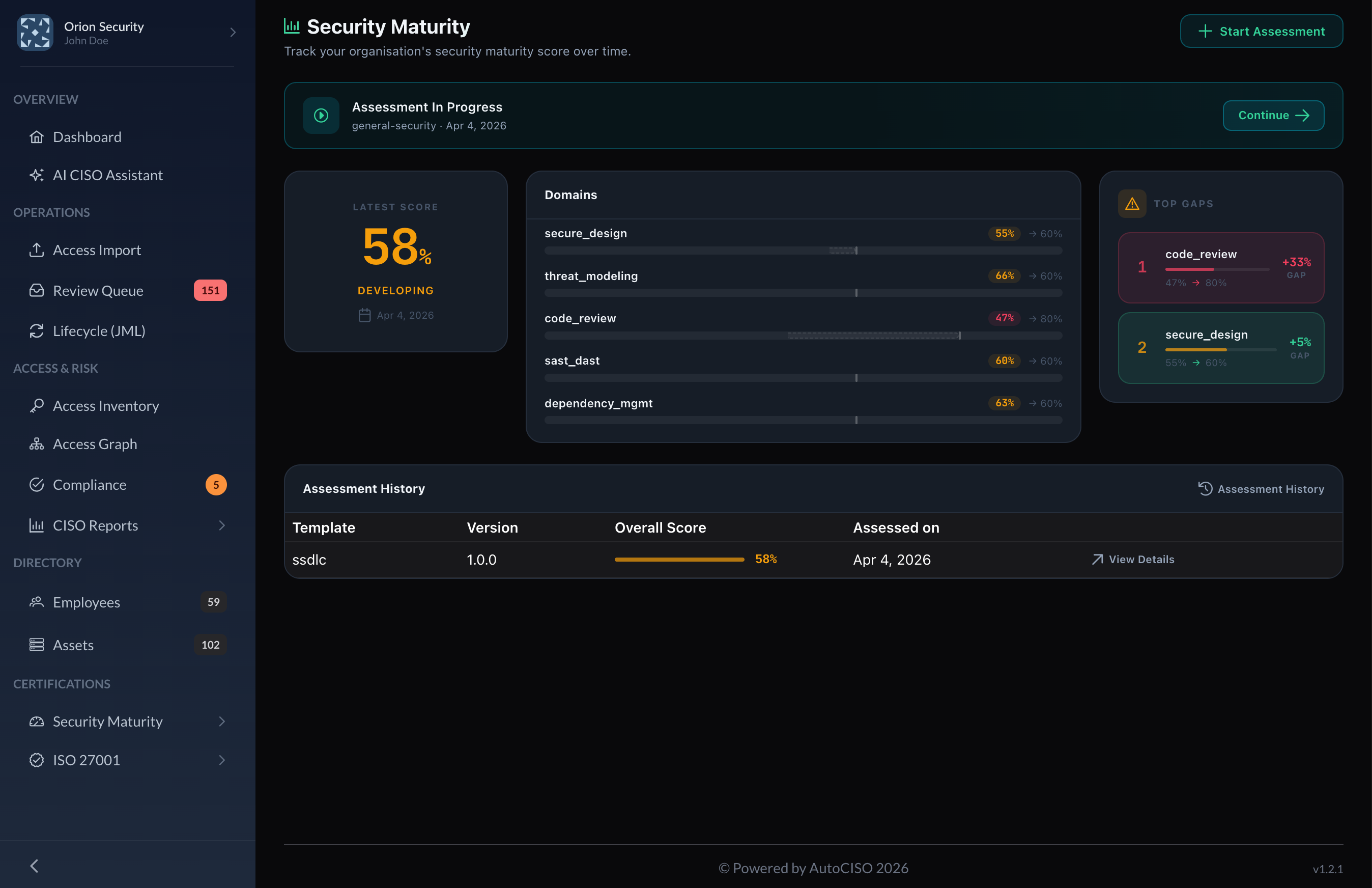
The dashboard turns maturity into a board-readable view: score, shape, top gaps, and domain-by-domain movement in one place.
3. Evidence-backed auto-evaluation
Some questions can be auto-populated from evidence AutoCISO already has, including access reviews, backup tests, internal audits, and scan results. When that happens, the answer shows its source.
This matters for two reasons:
- Teams spend less time filling in repetitive assessment forms.
- The score is easier to defend because it is tied to traceable platform evidence instead of memory.
Users can still override an auto-evaluated answer when needed, but the override is explicitly flagged.
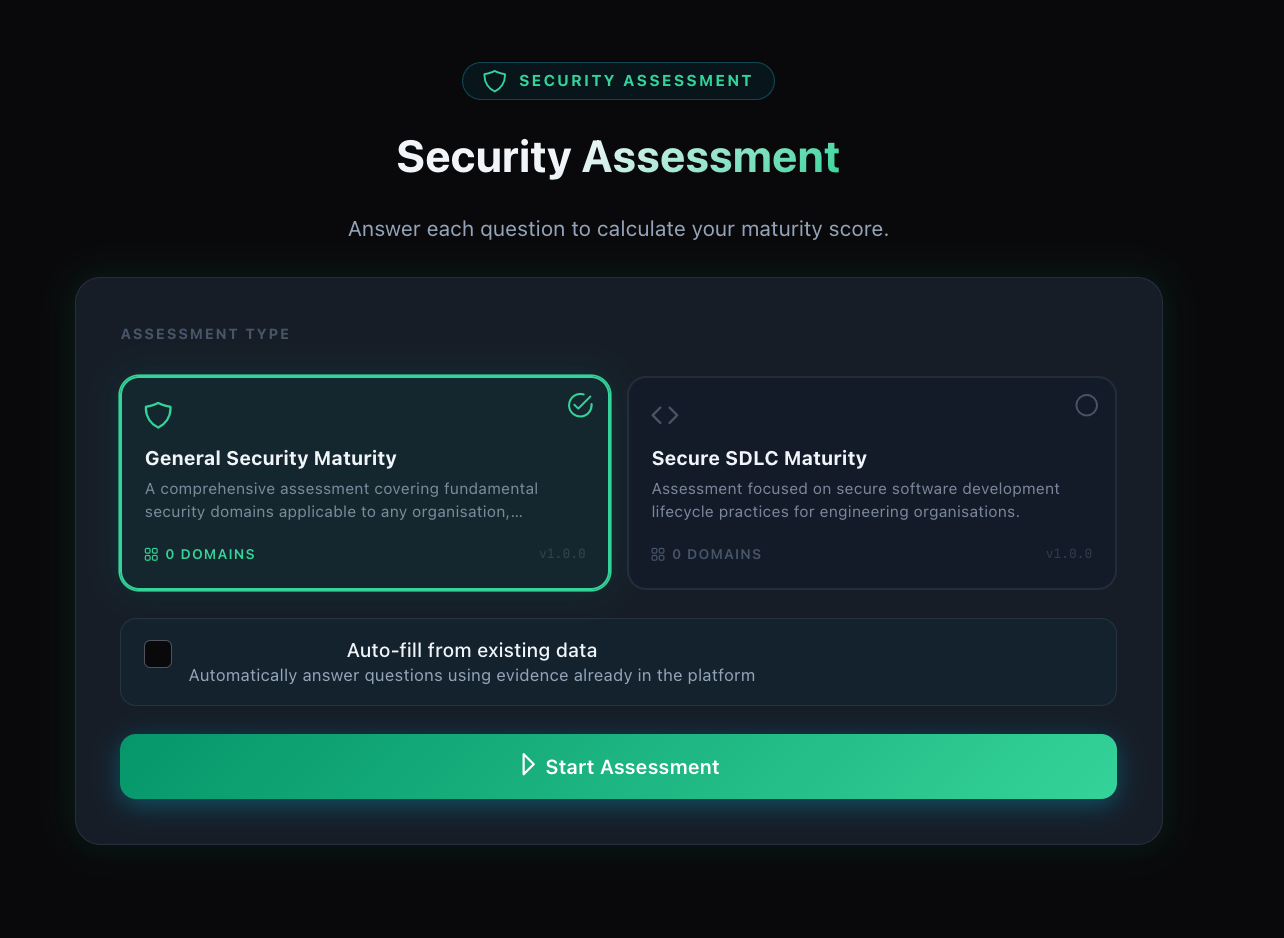
Assessments start from a structured runner, with room for both evidence-backed auto-evaluation and explicit human judgment.
4. History and trend reporting
The history view plots overall maturity over time, and each snapshot can be opened in read-only form. This gives teams a clean way to answer:
- What changed since the last review?
- Which domains improved?
- Which gaps are still open?
- Are we moving toward the target or just doing more activity?
That makes the feature useful not just for internal tracking, but for investor updates, customer trust conversations, and recurring leadership reviews.
Why this matters now
Security teams in growing companies are under pressure from both sides.
On one side, customers want proof that the company is serious about controls. On the other, leadership wants proof that security work is compounding rather than expanding into an endless list of tasks and tools.
Most teams do not have a clean artifact for that discussion. They have scattered audit evidence, policy documents, a few Jira tickets, and a vague sense that things are improving.
The Security Maturity Dashboard turns that vague sense into a structured operating layer:
- a current score
- a target score
- a domain-by-domain gap view
- an improvement timeline
- evidence references for auto-evaluated answers
In other words, it gives security leaders a language for progress.
Built for teams that need a target, not just a checklist
This feature is especially useful for:
- Founders preparing for enterprise security scrutiny
- Security leads building a program in phases
- Fractional CISOs who need a repeatable way to show client improvement
- Teams on Growth tier and above that already use AutoCISO for evidence collection and audit readiness
If the compliance layer answers “did we collect the proof,” the maturity layer answers “is the program actually becoming more capable.”
Those are different questions. Mature teams need both.
See the feature
The Security Maturity Dashboard is now part of the AutoCISO roadmap and launch work for Growth-tier customers and above.
If you want the product view, workflows, and positioning in one place, see the feature page here: